
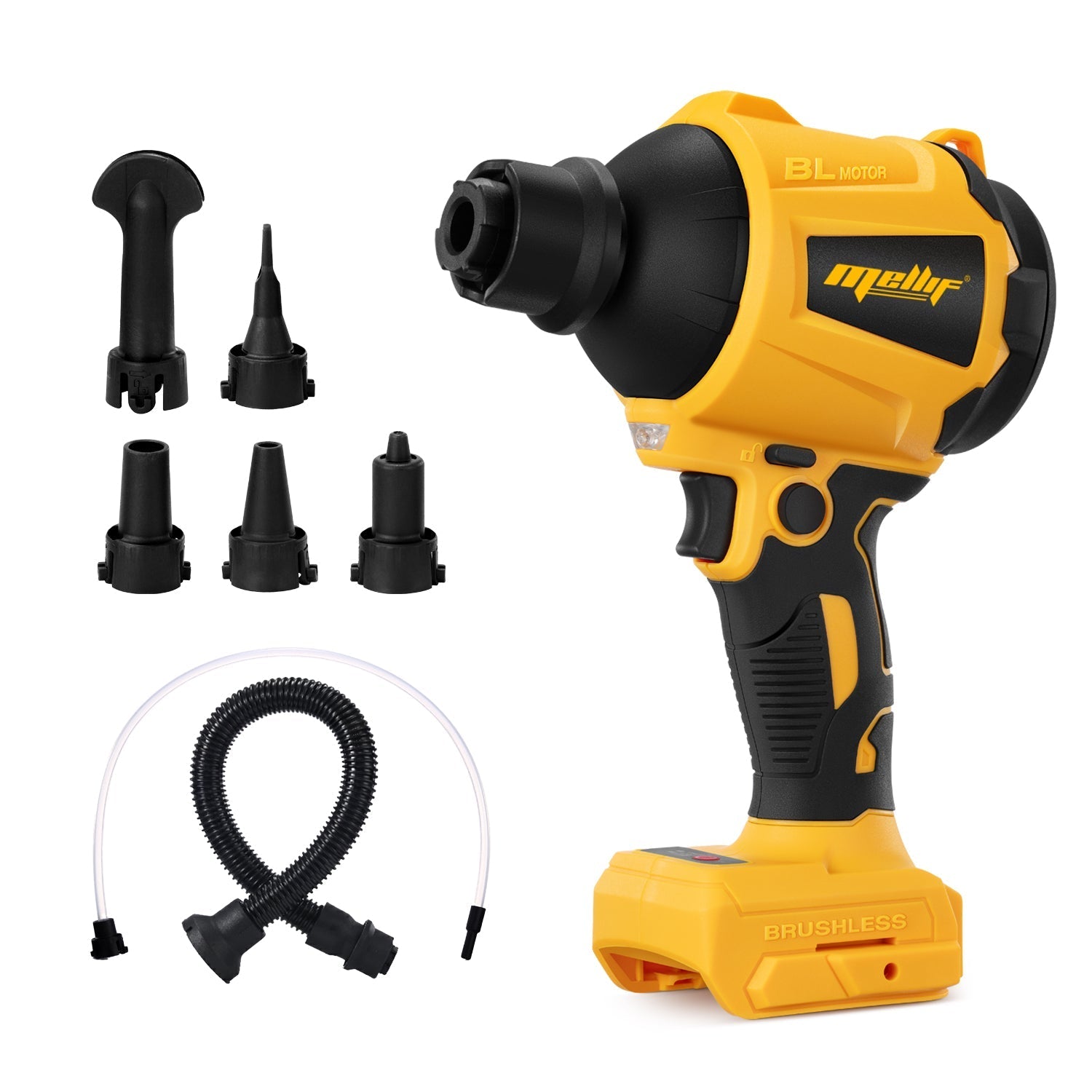
Using a cordless air duster can make cleaning electronics, keyboards, and other delicate equipment much easier—but proper usage is key for both safety and performance. Here’s a guide to help you get the most out of your Mellif air duster.
Starting the Air Duster
Before using, make sure the battery is compatible. The Mellif Dewalt-compatible air duster works well with standard 20V MAX batteries (like the DCB203). Please note that it is not compatible with DEWALT POWERSTACK batteries (such as the DCBP520).
To turn on the duster, press the power button firmly. If the switch feels stuck, try pressing it a few times in succession. Other control buttons may also require repeated presses to engage properly. For visual guidance on starting and using the air duster safely, refer to the instructional video.
Operating Tips
- When using the duster at low speeds, you may notice the internal fan sound is more pronounced—this is normal and part of the design.
- To keep the duster blows continuously, please refer to the video for recommended setups that ensure safe and consistent airflow. https://youtube.com/shorts/TrMOuJrW_Is
Turning Off the Air Duster
After use, you may hear a few clicking sounds as the motor slows down. This is completely normal—the clicks come from the internal fan gradually spinning down from high speed and settling into its rest position.
By following these simple steps, you can use your Mellif air duster efficiently and safely, keeping your workspace clean without damaging your equipment.
Share:
Can a Water Pump Be Used for Oil or Diesel? Why You Need a Dedicated Oil Pump
Mellif Akku Regenfasspumpe: LED-Fehlercodes verstehen und Probleme einfach beheben