
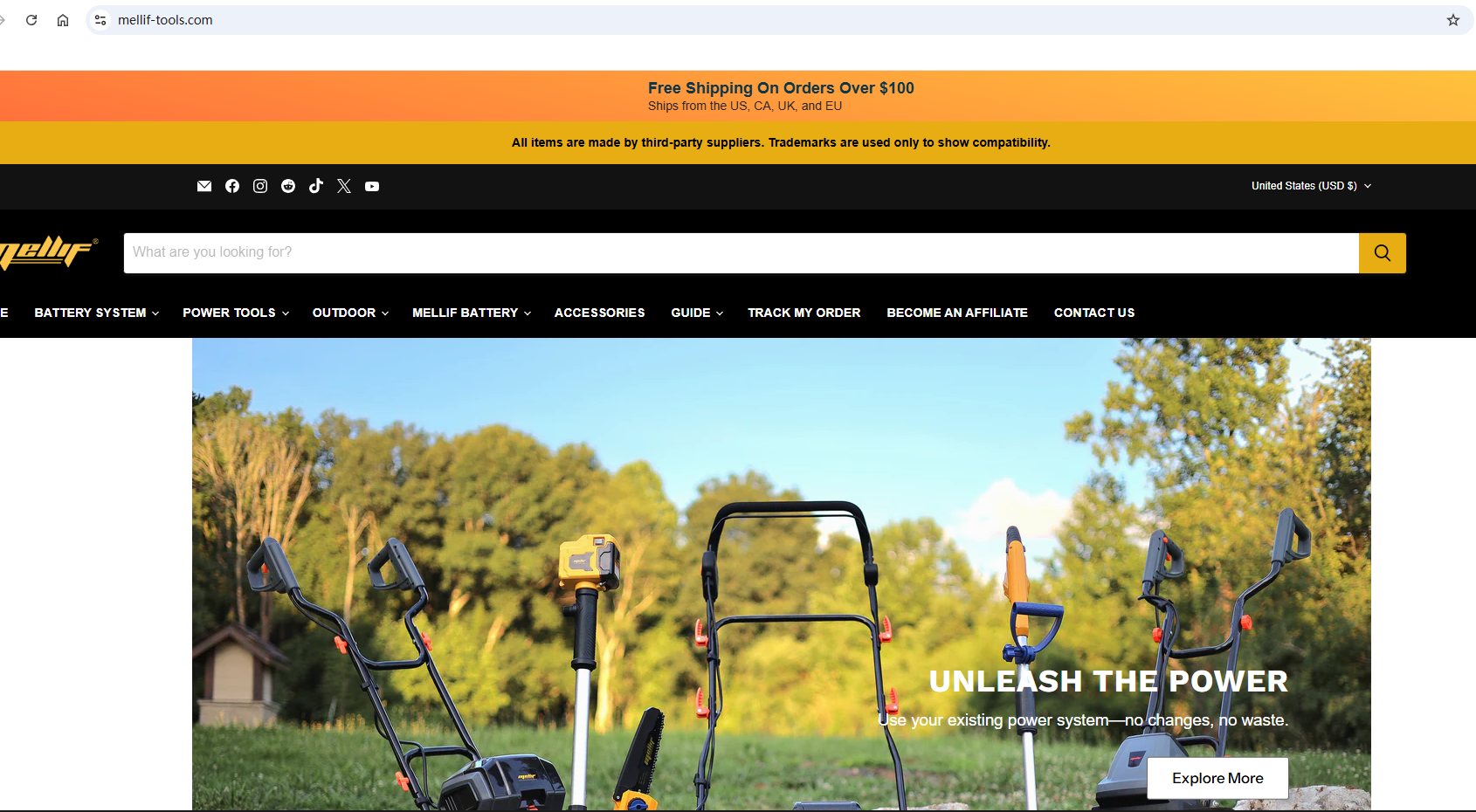
How to Shop on the Mellif Tool Website
Shopping on the Mellif Tool website is simple:
-
Visit the Website
Go to https://mellif-tools.com/ ,By default, it shows United States (USD$). Change it to your country to see all products we can ship there.
 -
Browse or Search
-
If you know what you’re looking for, you can search directly.
If you’re not sure yet, you can simply search for “New Arrival” to browse the latest products currently in stock.
-
Browse if you just want to explore. Product description may show Pre-order or Ship from China or other important information for this product.

-
-
Add to Cart
Select the products you want and click Add to Cart. -
Payment
Multiple official payment options are available; your information is safe.
-
Discounts & Shipping
-
First-time purchase: enter MELLIF10 at checkout for 10% off.
-
Orders over $100: free shipping. If charged, refresh; if still charged, place the order and send the order number to info@mellif-tools.com for a refund.
-
Share:
Mellif Tools: Replacement Parts Guide
How to Open and Check the Impeller on the Mellif Cordless Water Transfer Pump